
Download DVDTheque – Organize Your DVD Collection on Mac
Overview
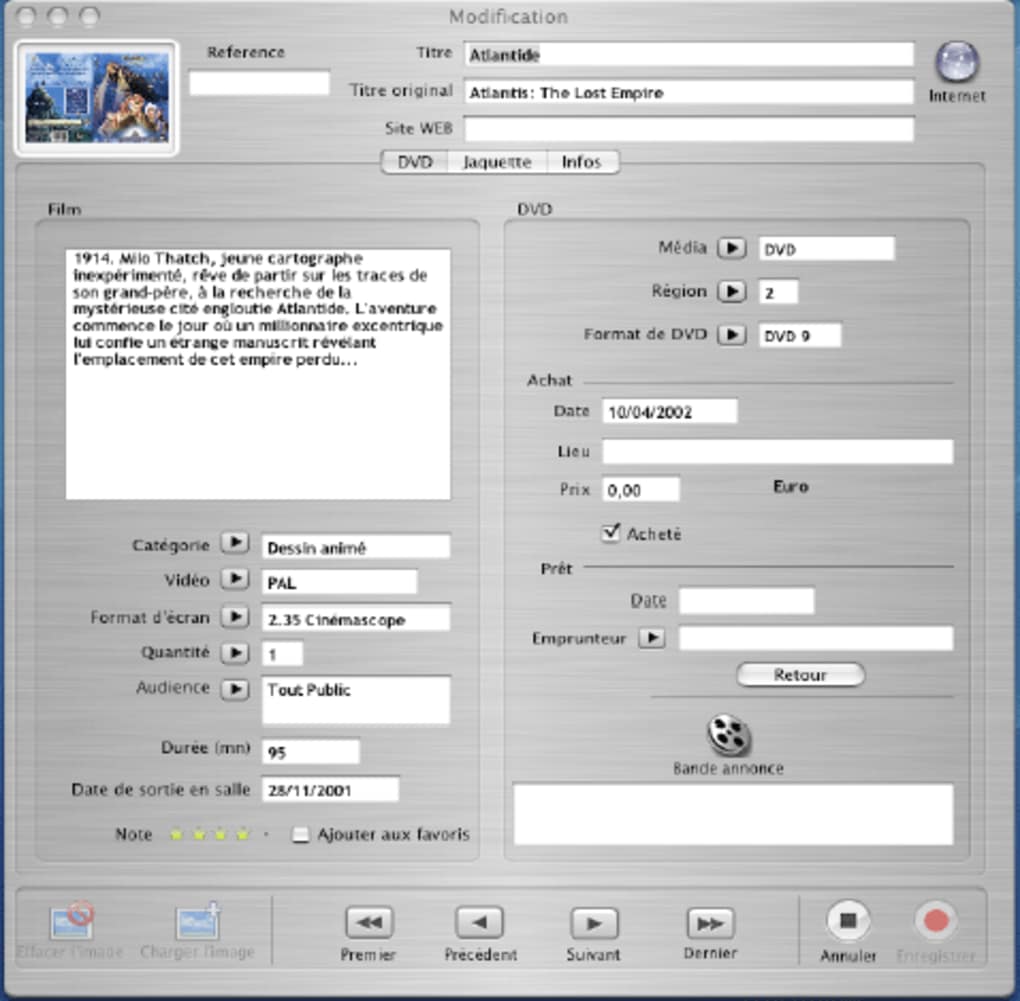
DVDTheque, film meraklılarının DVD kütüphanelerini düzenli ve aranabilir tutmak için tasarlanmış hafif, yalnızca Mac için bir kataloglama aracıdır. 2007 yılında ilk kez yayınlanan uygulama, Fransız koleksiyoncuları arasında bir temel haline gelmiş ve şimdi daha geniş bir kitleye hitap etmesi için İngilizce olarak da sunulmaktadır. Şu anki 3.0.3 sürümü, 5 Ekim 2010’da güncellenmiş olup, diğer üretkenlik araçlarıyla karşılaştırıldığında minimum disk alanı kullanan şık bir arayüz sunar. Temel işlevleri keşfetmenizi sağlayan bir deneme sürümüyle, DVDTheque, başlıklar, türler, çıkış tarihleri ve kişisel puanlamaları büyük medya yöneticilerinin ağırlığından kaçınarak takip etmek isteyen herkes için güvenli, kullanımı kolay bir çözüm olarak konumlanıyor. Program, Allocine web sitesinden ek veri çekerek her kaydı güncel özetler ve kapak görselleriyle zenginleştirir. Katalog girişinden bu yana 3.700'den fazla kullanıcı DVDTheque'yi indirmiştir; bu, macOS için özel, süssüz bir kataloglayıcıyı değer veren koleksiyoncular arasında istikrarlı bir ilgi olduğunu gösterir.
Key Features
- Intuitive Catalog Interface: Drag‑and‑drop entry creation with customizable columns for title, year, genre, and personal notes.
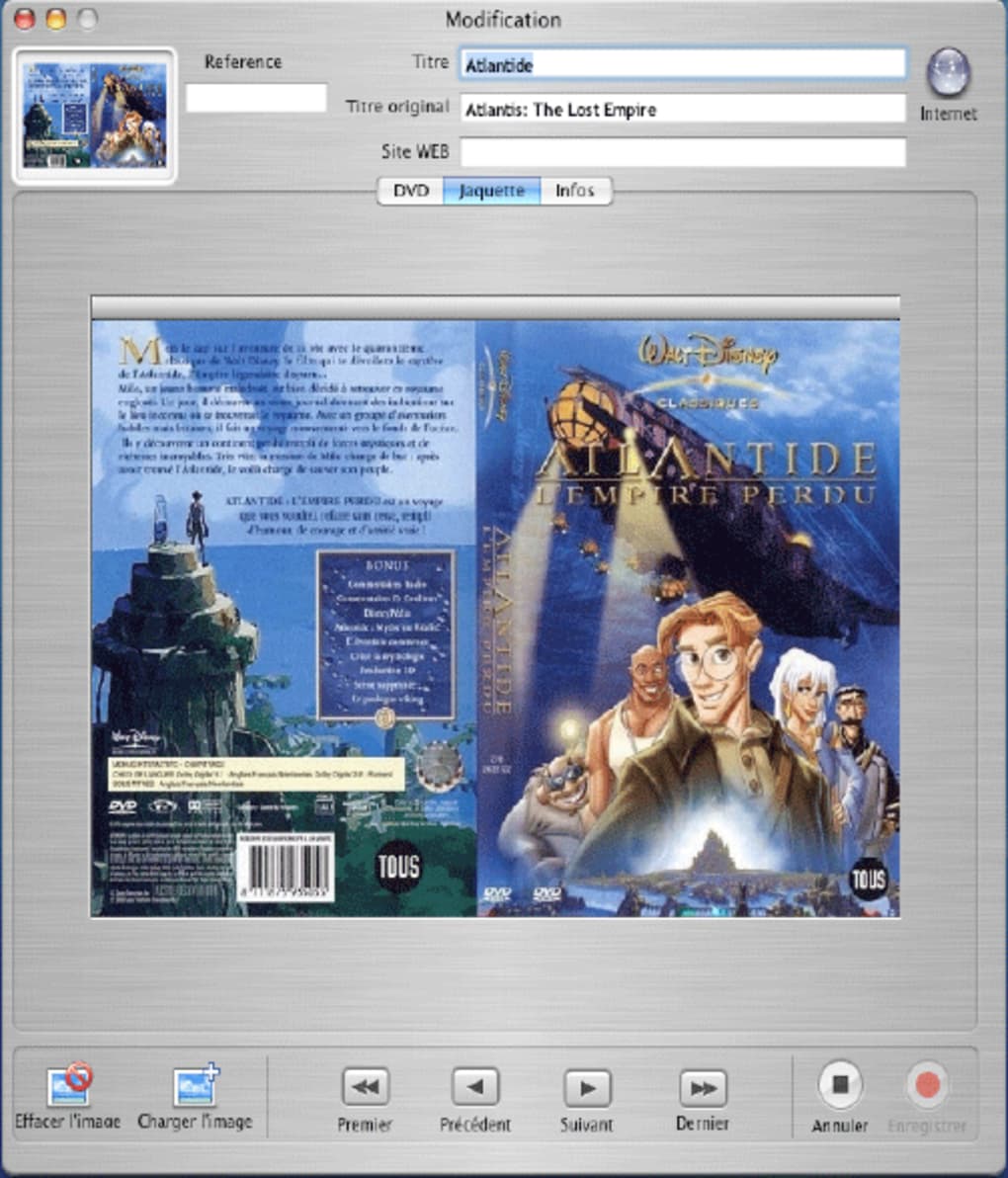
- Allocine Integration: Automatic retrieval of movie details, cover images, and synopsis from the French Allocine database.
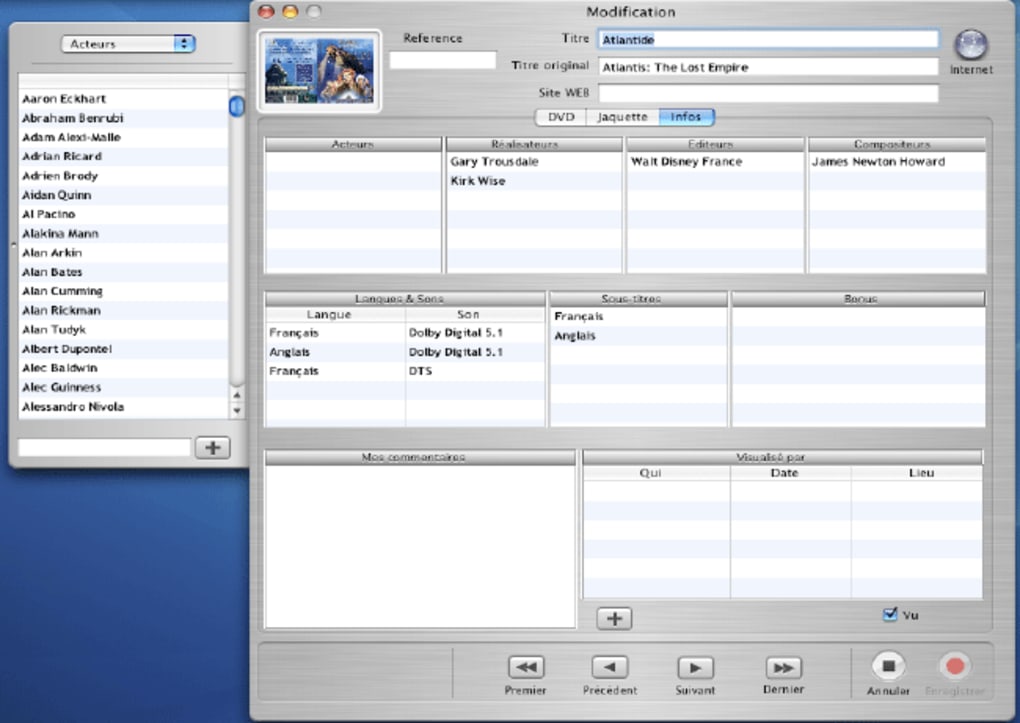
- Powerful Search Engine: Real‑time filtering by title, actor, director, or keyword, making large collections instantly searchable.
- Export & Import Options: Export your catalog to CSV or XML for backup, and import existing lists from other catalogers.
- Lightweight Design: The installer is under 5 MB and the application consumes less than 30 MB of RAM during normal use.
- Custom Tags & Ratings: Add personal tags, star ratings, and notes to each DVD for quick reference.
- Secure Trial Mode: The trial version lets you explore all features for 30 days without purchasing.
Installation, Usage & Compatibility
Installing DVDTheque on a Mac is straightforward. After downloading the DMG file from the official site, double‑click to mount the image, then drag the DVDTheque icon into your Applications folder. The installer verifies system integrity and ensures the app runs with the appropriate macOS permissions. Because DVDTheque targets macOS 10.5 (Leopard) through macOS 10.8 (Mountain Lion), it works seamlessly on both older hardware and newer machines that support legacy 32‑bit applications.
Once launched, the welcome wizard guides you through creating your first collection. You can either import an existing spreadsheet or start a blank catalog. Adding a DVD is as simple as clicking the “+” button, typing the title, and allowing the Allocine lookup to fill in the rest. The interface supports keyboard shortcuts for rapid navigation, and the built‑in search bar updates results instantly as you type.
For users concerned about data safety, DVDTheque stores the catalog in a hidden file within your home directory, automatically backing up changes every 10 minutes. The trial version places a subtle watermark on exported files, which disappears after purchasing a full license. Regular updates (the last one in 2010) addressed minor bugs and improved Allocine API handling, ensuring the software remains functional on current internet standards.
Compatible operating systems: macOS 10.5, 10.6, 10.7, 10.8 (both Intel and PowerPC architectures).
Pros & Cons
Pros
- Extremely lightweight – minimal disk and memory footprint.
- Seamless integration with Allocine for rich movie metadata.
- Intuitive UI suitable for both beginners and power users.
- Robust export options for backup and migration.
- Free trial with full feature access for 30 days.
Cons
- Mac‑only; no Windows, Linux, Android, or iOS versions.
- Last official update was in 2010 – may lack support for newer macOS releases.
- No built‑in barcode scanner; manual entry required.
- Limited community support compared to larger cataloging platforms.
- Trial version adds a small watermark to exported files.
Frequently Asked Questions
Is DVDTheque free to use after the trial?
No. After the 30‑day trial, you need to purchase a license to remove the export watermark and receive future updates. The trial, however, offers full feature access.
Can I import my existing DVD list from Excel?
Yes. DVDTheque supports CSV import, allowing you to map Excel columns to the application’s fields during the import wizard.
Does DVDTheque work on the latest macOS (Monterey, Ventura)?
Officially the software targets macOS 10.5‑10.8. While many users report it still runs on newer macOS versions, you may need to allow the app in System Preferences → Security & Privacy due to the older code signing.
Can I sync my catalog across multiple Macs?
DVDTheque does not include built‑in cloud sync. However, you can store the catalog file in a Dropbox or iCloud folder and open it on each Mac.
What language support does DVDTheque provide?
The user interface is available in English. Movie data pulled from Allocine appears in French, but you can manually edit titles and notes in any language.
Conclusion & Call to Action
DVDTheque fills a niche for Mac users who need a focused, low‑overhead DVD cataloging solution. Its seamless Allocine integration, lightweight footprint, and straightforward UI make it a compelling choice for collectors who prefer a dedicated app over sprawling media managers. While the lack of recent updates and the absence of Windows or mobile versions may deter some, the trial version offers ample opportunity to test the workflow before committing to a purchase. If you’re ready to bring order to your DVD shelves, download DVDTheque now and experience a clean, secure way to manage your movie library.







